Skip to content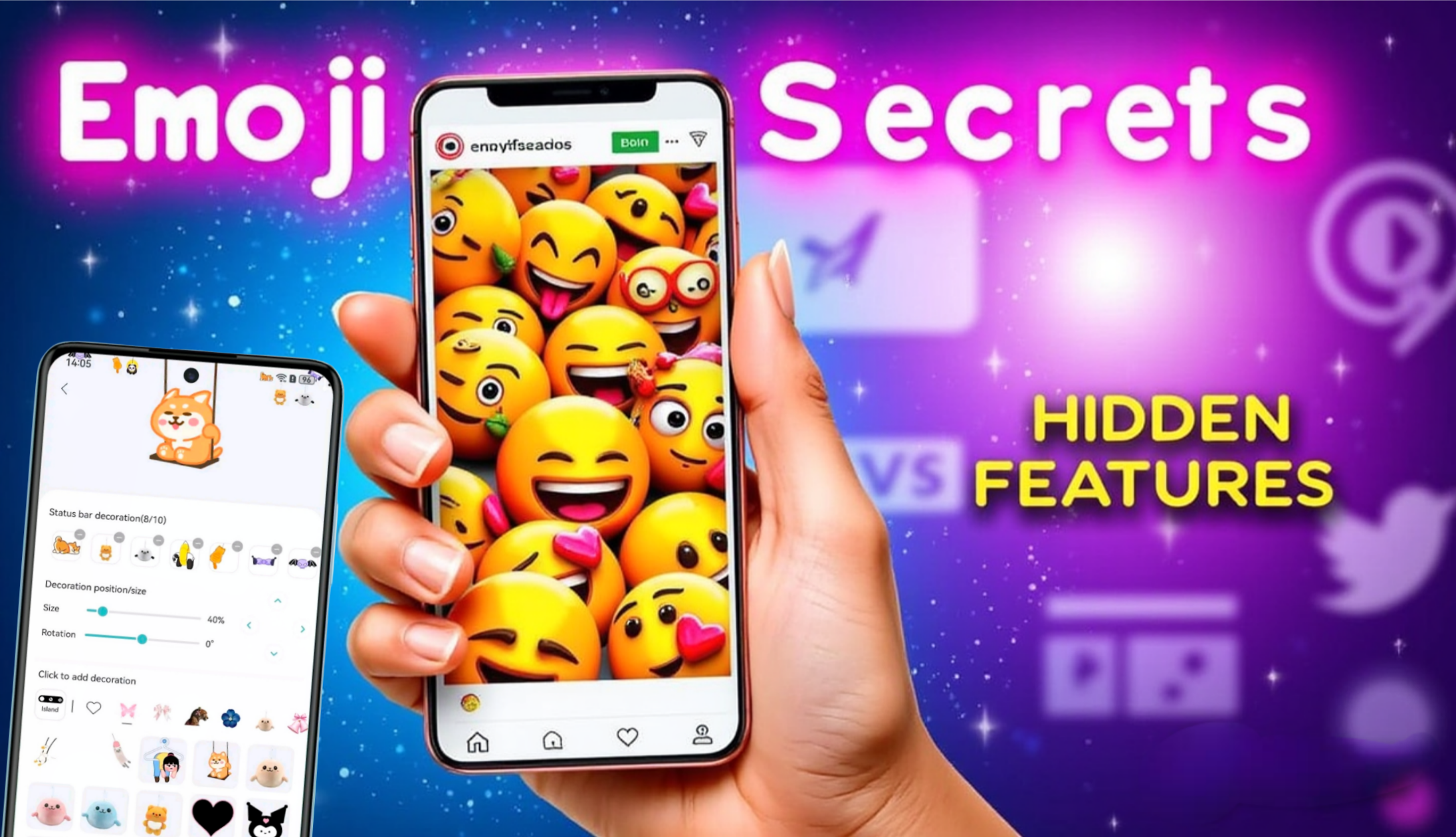
What Is Animated Emoji Scrolling
Animated emoji scrolling is exactly what it sounds like. Emojis that move while you scroll on a mobile screen. They float, bounce, fade, or slide along with your finger. It turns a boring scroll into something playful and alive. Animated Emoji Scrolling on Mobile Screens
Table of Contents
Why It Became Popular on Mobile Devices
Mobile screens are small. Designers needed ways to make interactions feel richer without adding clutter. Animated emojis solved that problem. They add emotion without adding words.
Evolution of Emojis on Mobile
From Static Emojis to Motion
Emojis started as flat icons. Yellow faces. No motion. As phones became more powerful, motion became cheap. Designers took advantage.
Role of Touchscreens and Gestures
Scrolling is a gesture. Pairing motion with motion feels natural. Your finger moves. Emojis respond. That feedback feels satisfying.
How Animated Emoji Scrolling Works
Core Animation Principles
It relies on lightweight animations. Think translation, scaling, opacity. No heavy effects.
Frame Rate and Smooth Transitions
Anything below 60fps feels broken. Good implementations hit consistent frame rates or they fail fast.
Software and UI Layer Integration
Animations live in the UI layer. They should never block main threads. If they do, scrolling stutters.
User Experience Impact
Emotional Engagement
Moving emojis trigger emotion faster than text. A laughing emoji bouncing into view says more than a sentence.
Attention Retention on Small Screens
Motion catches the eye. Used well, it keeps users scrolling instead of closing the app.
Psychological Effects of Moving Emojis
Visual Feedback and Satisfaction
Users like when interfaces react. Animated emojis confirm that an action was registered.
Dopamine Loops in UI Design
Micro-animations create tiny rewards. Too many turn into noise. Balance matters.
Popular Use Cases
Messaging Apps
Reactions float up. Emojis follow scroll. It makes conversations feel alive.
Social Media Platforms
Comment reactions. Live emoji floods. Scrolling becomes interactive.
Live Streams and Reactions
Hearts and emojis rising while scrolling chats boost energy and participation.
Animated Emoji Scrolling in App Design
UI vs UX Considerations
UI is how it looks. UX is how it feels. Animated emojis fail when designers focus only on looks.
When Animation Becomes a Problem
If users notice lag, you already lost. Animation should disappear into the experience.
Performance and Battery Concerns
GPU and CPU Load
Poorly optimized animations drain battery. Especially on low-end devices.
Optimization Techniques
Reuse animation assets. Avoid continuous loops. Pause animations off-screen.
Accessibility Considerations
Motion Sensitivity
Some users hate motion. Some get sick from it. Ignoring this is careless design.
User Control and Settings
Always allow animation reduction. No exceptions.
Implementation Techniques
Native Android Approaches
Use RecyclerView animations carefully. Never animate onScroll callbacks directly.
Native iOS Approaches
Core Animation works best. Avoid heavy SwiftUI effects in long lists.
Cross-Platform Frameworks
Flutter and React Native can handle this. Only if optimized properly.
Common Mistakes Designers Make
Overusing Animations
If everything moves, nothing matters. Pick moments that deserve motion.
Ignoring Context
A banking app doesn’t need dancing emojis. Context decides everything.
Listen to Different Songs in Each Earbud
Best Practices for Designers
Timing and Speed
Fast in. Faster out. Long animations feel sluggish.
Consistency Across Screens
One style. One behavior. Inconsistency breaks trust.
SEO and Engagement Benefits
Increased Session Time
Engaging UI keeps users scrolling longer. Metrics improve naturally.
Reduced Bounce Rates
Users stay when interfaces feel fun and responsive.
Future Trends
AI-Driven Emoji Animations
Emojis reacting dynamically to content is coming. Static reactions will feel outdated.
AR and 3D Emoji Scrolling
Depth and spatial motion will push this further. Hardware is catching up.
Real-World Examples
Case Studies from Popular Apps
Apps that nailed animated emoji scrolling show higher engagement without hurting performance. The pattern is clear. Subtle wins.
Challenges and Limitations
Hardware Fragmentation
Not all phones are equal. Designing for the lowest common denominator is still required.
Design Scalability
More features mean more motion. Without rules, it becomes chaos.

Please wait 10 seconds…
📥 Download NowConclusion
Animated emoji scrolling is not decoration. It is communication. Done right, it improves emotion, engagement, and flow. Done wrong, it kills performance and trust. The difference is discipline. Motion should support the user, not distract them. Designers who understand this will build interfaces people enjoy using, not just looking at.
Does animated emoji scrolling affect app performance?
Yes. Poorly optimized animations can cause lag and battery drain.
Is animated emoji scrolling suitable for all apps?
No. It works best in social and communication-focused apps.
Can users disable animated emojis?
They should be able to. Accessibility demands it.
Does it improve user engagement?
When used sparingly and correctly, yes.
What is the biggest mistake developers make with emoji animations?
Overuse without performance testing.